Privacy Policy
What is stored, what the one network call sends, and which permissions the app asks for.
Read it →MileBook blue · Android
A mileage logbook that fills itself in.
Drives are detected without you opening anything. The places you save decide what most of them are. What is left is one swipe per trip, and at the end of the month a CSV your accountant will recognise.
The work in a mileage log is not the driving, it is the remembering. MileBook removes the remembering by watching for drives and asking your saved locations what they were for.
Android’s activity recognition notices you have started driving and the recorder starts on its own — even with the app closed, even after a reboot.
Location is sampled every couple of seconds for distance and duration. When the trip ends, the route is snapped to real roads for the map.
Trips starting or ending at a Business location are marked Business. Home paired with your regular office becomes Commute. Everything else is one swipe.
Reports adds up the month, the year, or a custom range, applies the IRS standard rate to your business miles, and exports the lot as CSV.
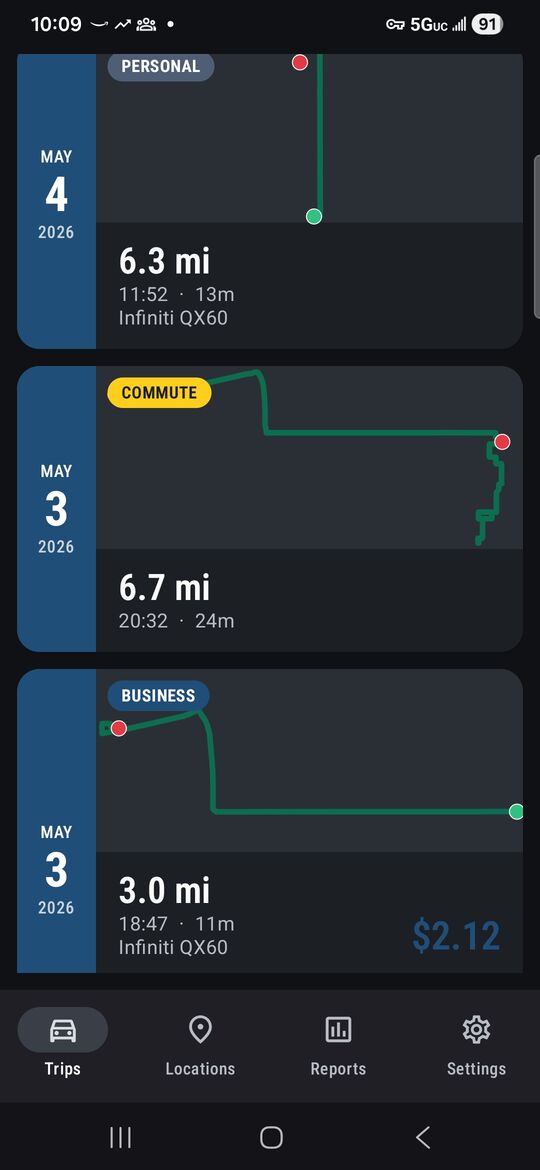
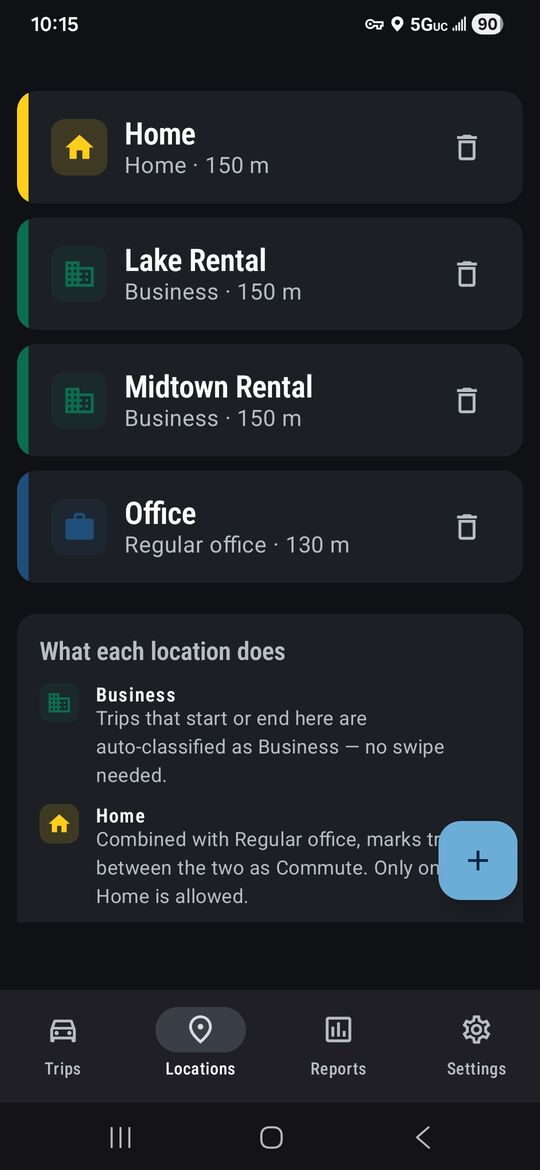
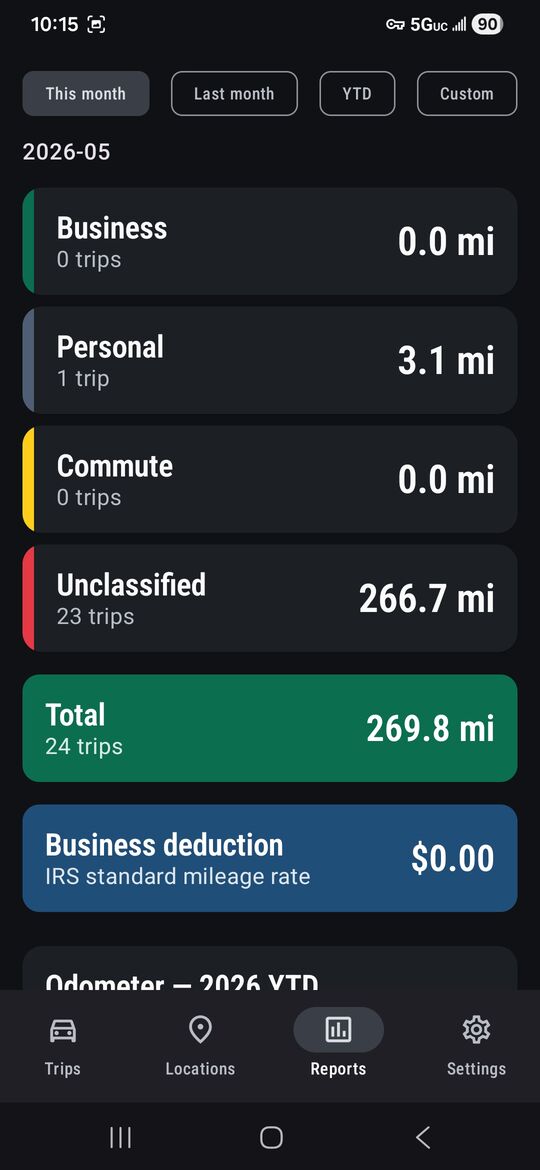
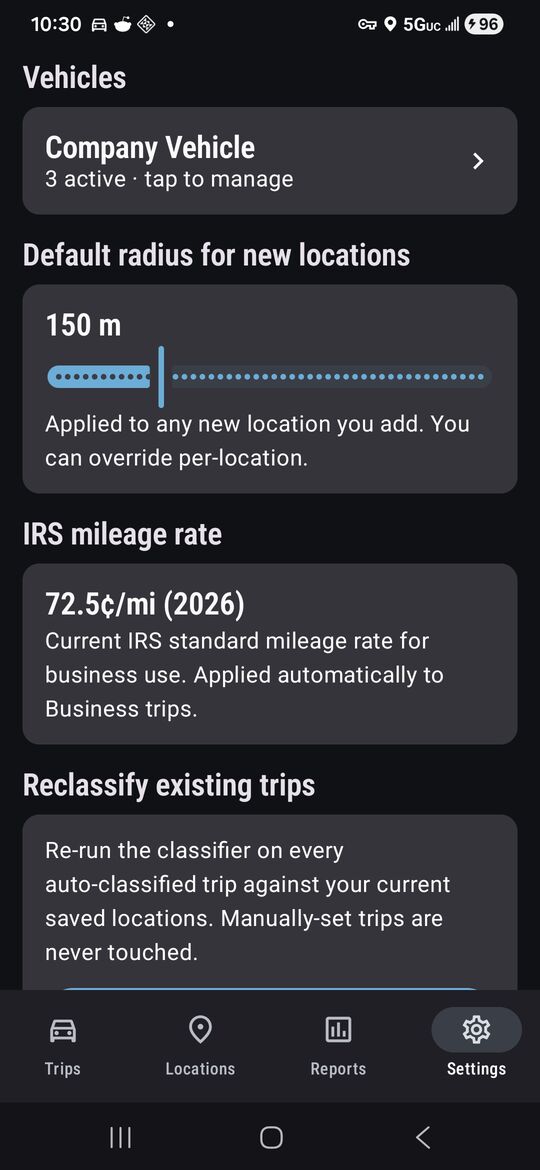
Trips, routes, vehicles, locations and notes live in the app’s private storage. There are no servers behind MileBook, so there is no copy of any of it anywhere else.
When a trip finishes, its coordinates go to Google’s Directions API to get a road-snapped route line back. That is the only thing the app sends. Without it you get a straight line and everything else still works.
No crash reporting, no advertising SDKs, no trackers, no telemetry. There is no login screen because there is nothing to log in to.
Remove the app and the data is gone. We cannot honour a deletion request because we do not hold anything to delete.
The full detail — every permission and why it is needed — is in the privacy policy.
Billing is handled entirely by Google Play — monthly or annual, cancelled from the Play Store like anything else. We never see your name, address or payment details.
If the trial ends without a subscription the app goes read-only rather than dark: your existing trips stay intact and viewable. Recording, editing and exporting need an active subscription.